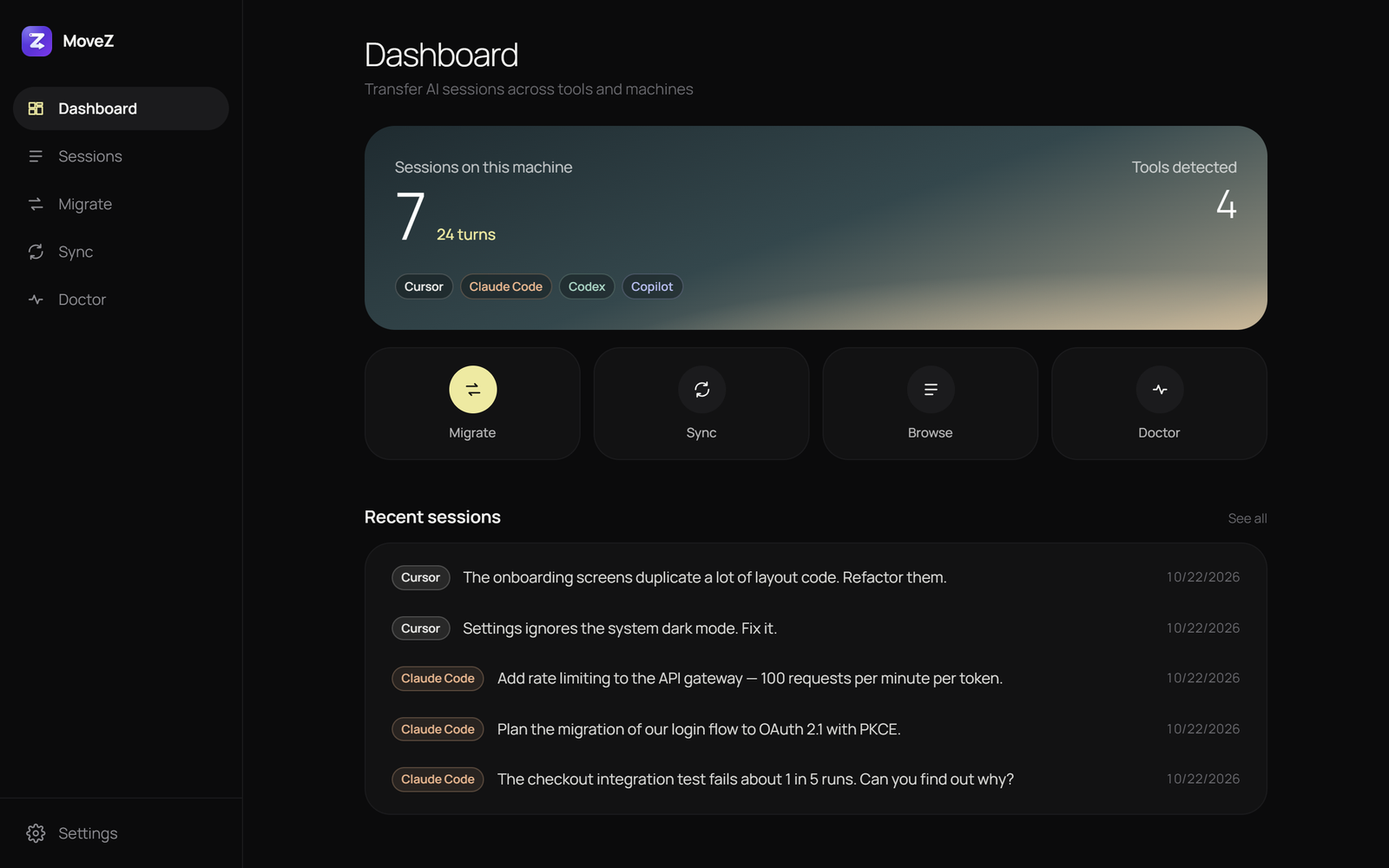
Open source · latest release
Your AI coding sessions, anywhere you work.
Move conversations between Cursor, Claude Code, Codex, Copilot CLI, Cline and Continue — and between machines — so the context you built up comes with you.
Windows, macOS and Linux · CLI · VS Code extension · Free (MIT)
Works with
See details- CuCursor
- ClClaude Code
- CxCodex
- CoCopilot CLI
- CnCline
- CtContinue
Features
Take your context with you.
Switching editors or laptops shouldn't mean starting every conversation from scratch.
Transfer between tools
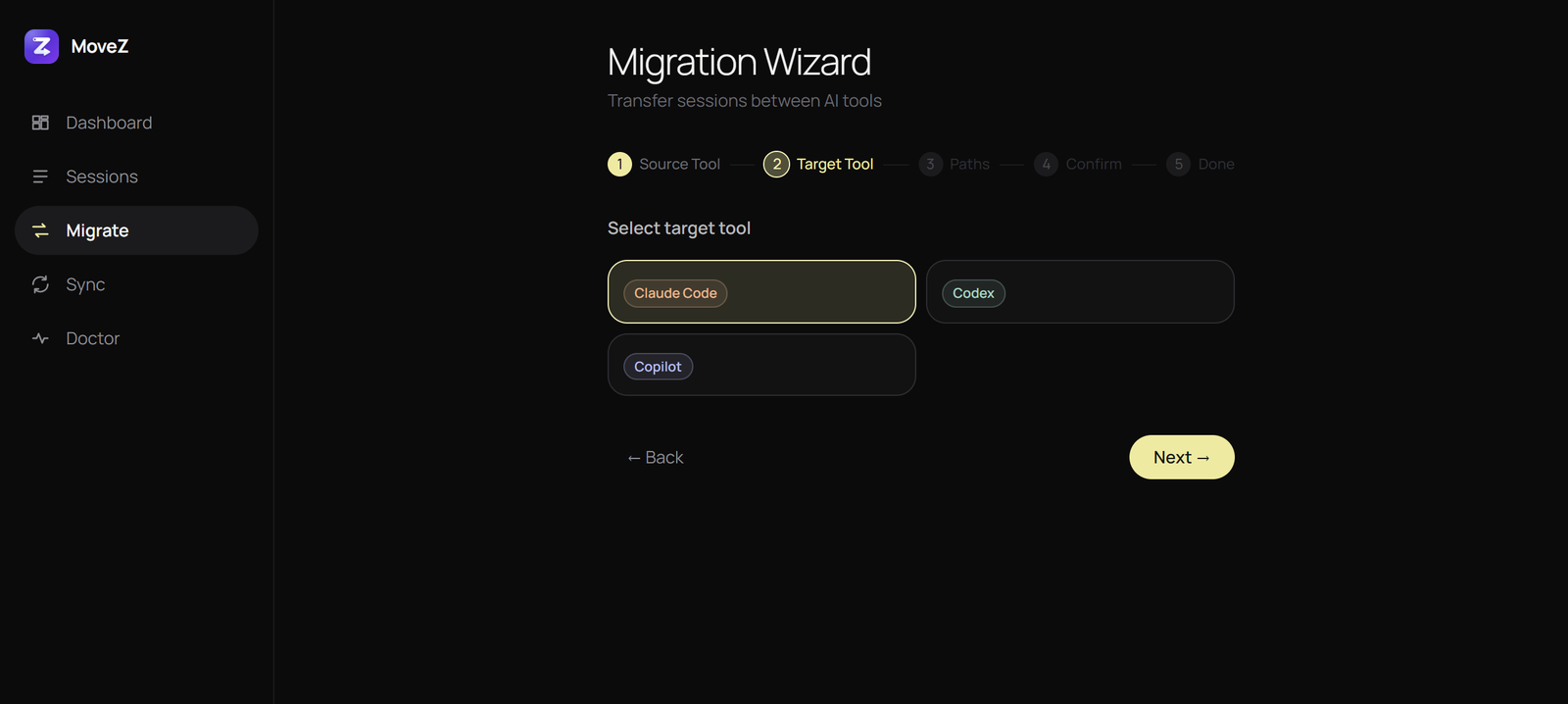
Copy a Cursor session into Claude Code, Codex or Copilot CLI in one step. Each tool's format is converted for you.
Move to a new machine
Export a portable .cbz bundle and import it anywhere, with paths remapped from D:\Projects to ~/work.
Encrypted end to end
Bundles and sync payloads are sealed with AES-256-GCM before they leave your machine. Your key never does.
Self-hosted sync
Push and pull between machines through your own server. It only ever stores ciphertext.
Desktop, CLI or editor
A desktop app for Windows, macOS and Linux, a single-file CLI, and a VS Code / Cursor extension.
Project config comes too
Optionally bundle CLAUDE.md, AGENTS.md, .cursorrules and .mcp.json.
How it works
Three steps. In the app or the terminal.
- 01
Pick your sessions
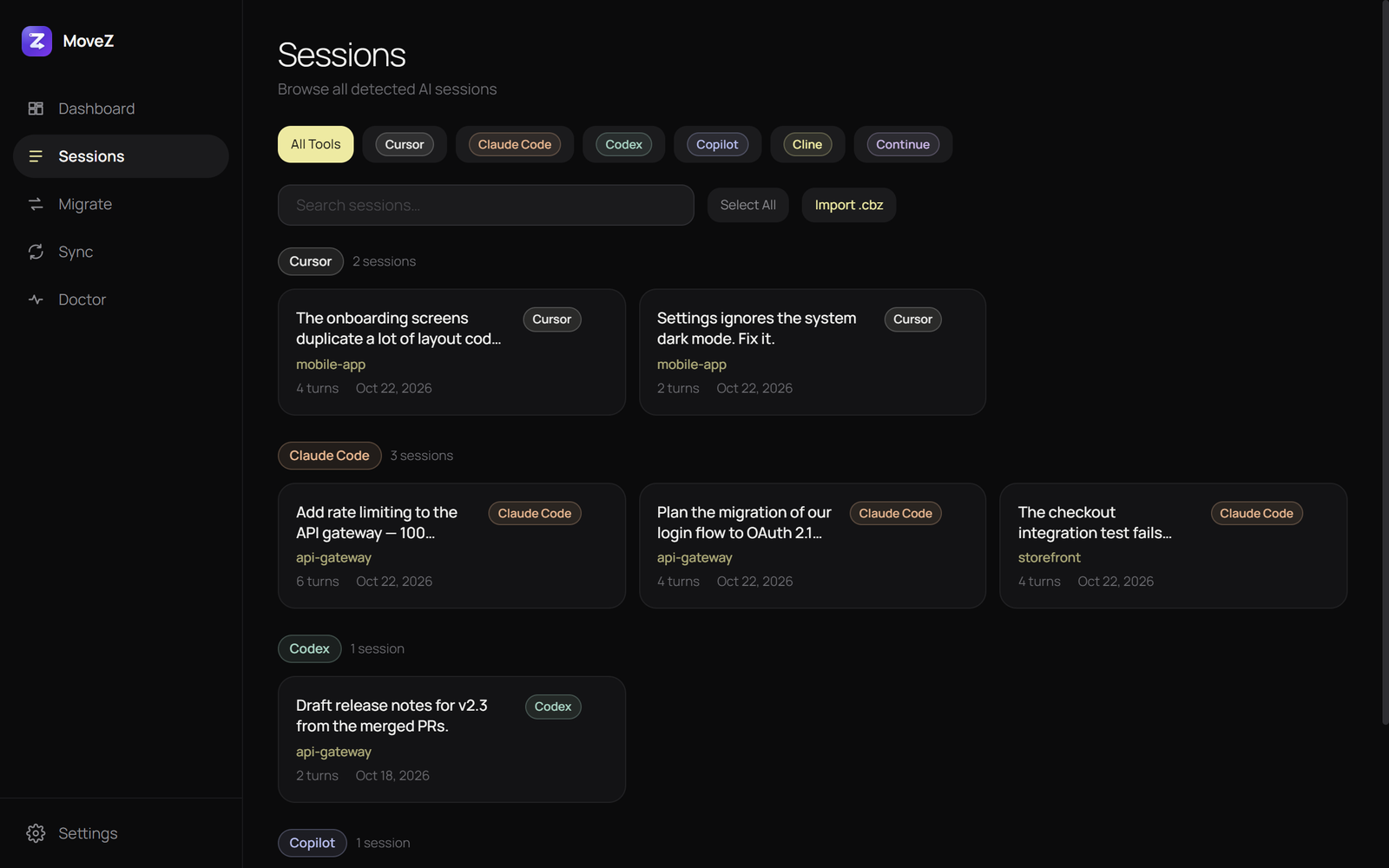
MoveZ finds the conversations every installed AI tool has stored on this machine.
- 02
Transfer or bundle
Send them straight to another tool, or pack them into an encrypted
.cbzfor another machine. - 03
Keep working
Open the target tool. The full history is there, under the right project.
- Sessions
- 12
- Turns
- 486
- Path remap
D:/Projects → ~/work- Encryption
- AES-256-GCM
- Bundle
work.cbz
# copy Cursor sessions into Claude Code
$ movez transfer --from=cursor --to=claude-code
Transferred 2 session(s) from cursor to claude-code

# back up to an encrypted bundle
$ movez export --tool=claude-code --output=work.cbz --encrypt
Exported 3 session(s) to: work.cbz

# restore on the new laptop, fixing paths
$ movez key:import --file=movez.key
$ movez import --input=work.cbz --tool=claude-code \
    --from-path="D:/Projects" --to-path="~/work"
Imported 3 session(s) to claude-code
The app
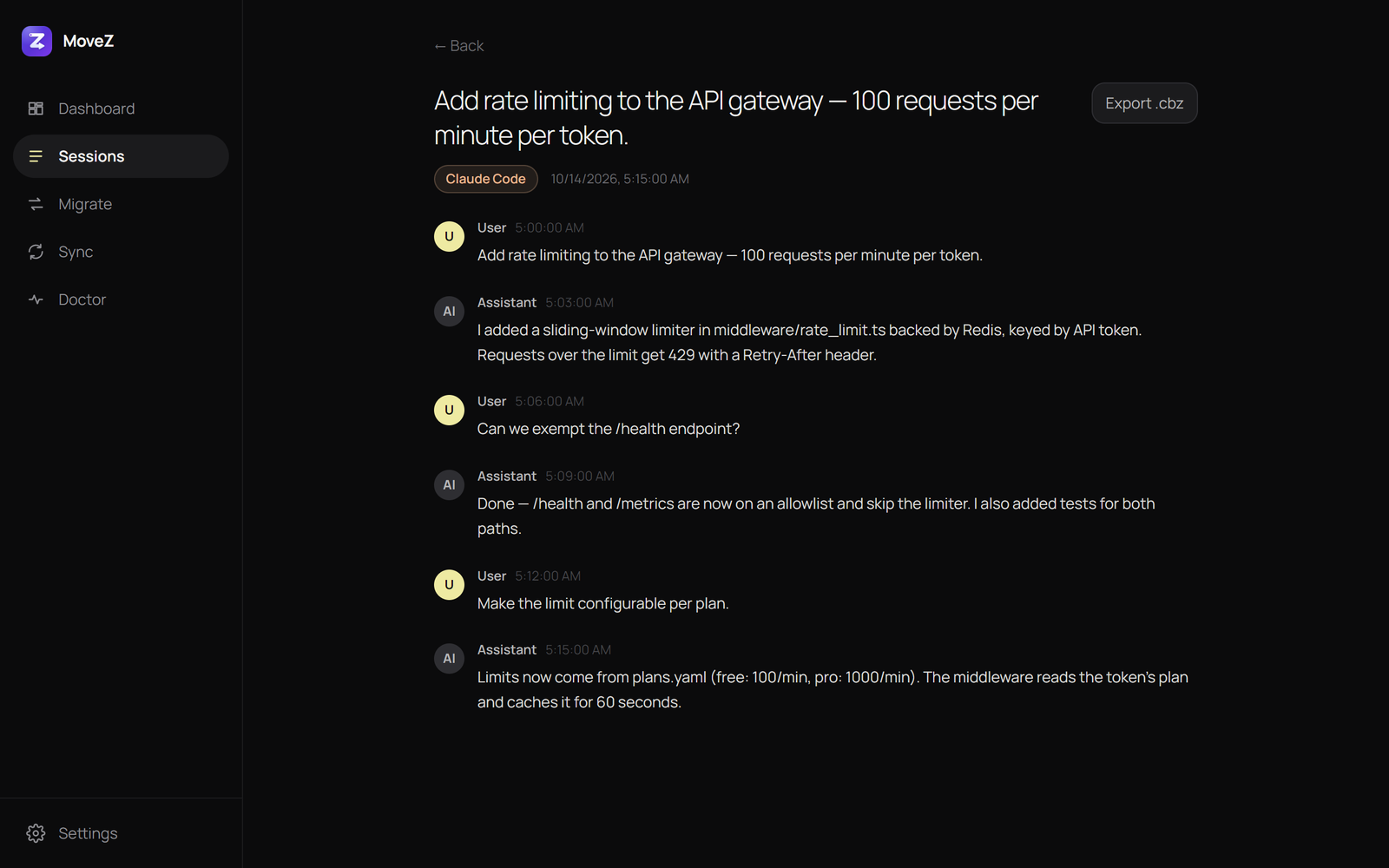
Every session, readable and searchable.
.cbzCompatibility
Supported tools.
Cursor
~/.cursor/projects + state.vscdb
Claude Code
~/.claude/projects/*.jsonl
Codex CLI
~/.codex/sessions/…/rollout-*.jsonl
Copilot CLI
~/.copilot/session-state/<id>/
Cline
VS Code extension task history
Continue
~/.continue/sessions/*.json
Windsurf isn't supported yet: it stores Cascade conversations in an encrypted format.
Privacy
Local-first. Private by design.
Your conversations are yours. MoveZ runs on your machine and talks to nothing you didn't configure.
- Telemetry
- None. No accounts, no network calls except your own sync server.
- Encryption
- AES-256-GCM, client-side. The server stores ciphertext only.
- Your key
- Lives at
~/.movez/keyand moves only when you runmovez key:export. - License
- MIT, with tests for every format it reads and writes.
Download
Get MoveZ
Free and open source. The desktop apps bundle PHP and the CLI.
The macOS app isn't code-signed yet. The first time, right-click it and choose Open.
FAQ
Questions.
Does the AI remember the conversation after a transfer?
You get the full conversation history in the target tool. Cursor also keeps an internal model state that can't be recreated, so there the history is visible but the model won't automatically pick it up — start a new chat and reference the old one.
Do I need a server?
No. Transfers and .cbz bundles work entirely offline. The self-hosted sync server is optional, for pushing and pulling between machines without copying files.
How do I move my encryption key to another machine?
Run movez key:export on the first machine and movez key:import on the next, or pipe one into the other over SSH. movez key:fingerprint confirms both machines hold the same key.
Is it free?
Yes. MoveZ is open source under the MIT license.